

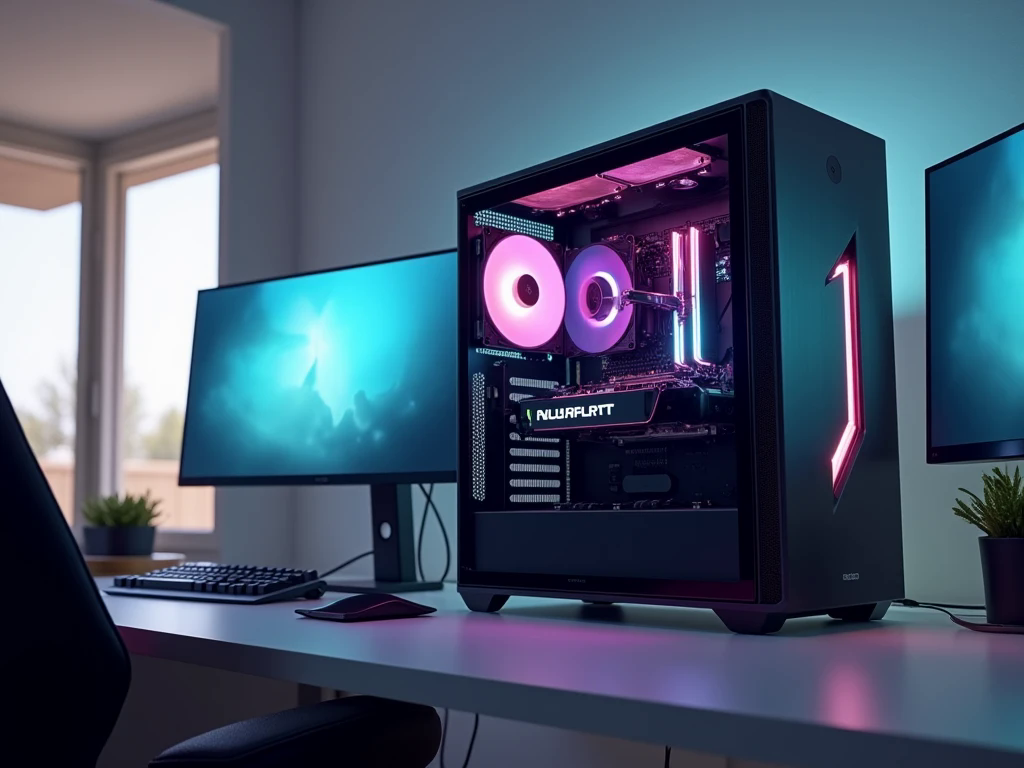
Choosing a gaming PC can be confusing when every graphics card promises better performance and sharper visuals. The right system should match the games you play, the monitor you own, and the amount you want to spend. For many gamers, the goal is to find a balance between modern graphics features and practical everyday performance.
An RTX 5070 PC offers a route into NVIDIA’s latest graphics generation, with features designed for demanding games, realistic lighting, and AI-assisted rendering. By choosing compatible components around the GPU, you can create a setup that feels responsive today and remains useful as your gaming library grows.
Understanding the NVIDIA RTX 5070
The GeForce RTX 5070 is part of NVIDIA’s Blackwell generation and includes 12GB of GDDR7 graphics memory. It is designed for gamers who want modern rendering capabilities without necessarily stepping up to a flagship graphics card.
One of its strengths is support for ray tracing, which can improve the appearance of reflections, shadows, and lighting in compatible games. It also supports NVIDIA DLSS technologies, which use AI-based techniques to help improve performance in supported titles. The actual benefits depend on the game and the features available within it.
The card’s 12GB of VRAM is an important specification to consider. It provides graphics memory for textures and other visual data, but memory requirements vary by game, resolution, and graphics settings. Players who use especially demanding texture packs or professional applications should check the needs of their particular software before choosing a configuration.
Find the Right Resolution for Your Gaming Style
Not every gamer needs the same level of graphics performance. Someone playing competitive shooters may prioritize high frame rates and low latency, while a fan of open-world adventures might prefer detailed environments and realistic lighting.
The RTX 5070 can be a suitable option for high-quality 1440p gaming, with performance depending on the title and settings. Some games may also be playable at 4K with suitable adjustments, but demanding titles can require compromises in graphics quality or the use of upscaling technologies.
Your monitor should be part of the buying decision. A 1440p high-refresh-rate display can offer a useful balance between image detail and smooth movement. If you already own a 1080p monitor, think about whether upgrading the display would make better use of your budget than purchasing more graphics power than you currently need.
Pair It With a Balanced Processor
A graphics card does not work alone. The processor handles game logic, background tasks, and other calculations that influence performance. If the CPU struggles to keep up, it may limit frame rates in certain games even when the GPU has additional capacity.
For a modern gaming system, choose a compatible processor with enough performance for your preferred titles. Competitive games targeting very high frame rates can place greater demands on the CPU, while graphically intensive single-player games often rely more heavily on the GPU at higher resolutions.
You do not need to buy the most expensive processor available. A balanced combination can provide excellent everyday performance while leaving money for other useful components, such as a larger SSD, better cooling, or a quality monitor.
How Much RAM and Storage Should You Choose?
Memory and storage affect how comfortably your PC handles games, applications, and everyday tasks. For many gaming builds, 32GB of RAM is a practical starting point, particularly if you keep a browser, voice chat, or recording software open while playing. A 16GB configuration may suit some lighter workloads, but requirements vary between games and applications.
For storage, an NVMe SSD can help Windows start quickly and reduce game loading times. A 1TB drive can be enough for a smaller collection, while 2TB provides more room for large games, updates, and personal files.
Think about your habits before deciding. If you regularly install new releases without uninstalling older games, extra storage can be more useful than a component upgrade that makes little difference to your preferred titles.
Keep the System Cool and Stable
A gaming computer needs more than attractive lighting and a stylish case. Good airflow helps move heat away from the processor, graphics card, and other components during long sessions.
Before buying a case, check the physical dimensions of the graphics card and the space available for fans. Confirm that the CPU cooler fits and that the case allows air to move through the system effectively. A clean cable layout can also help keep the interior organized.
The power supply deserves equal attention. Choose a reputable unit that meets the GPU manufacturer’s recommendations, provides the required connectors, and has sufficient capacity for the complete system. Avoid selecting a PSU based only on a low price or an impressive wattage label. Reliable power delivery and proper compatibility matter more than appearance.
Make Smart Use of DLSS and Ray Tracing
Modern graphics features can improve the way a game looks and performs, but the best settings depend on what you value most. Ray tracing adds more realistic lighting effects in supported titles, although it can increase the graphics workload.
DLSS can use AI-based rendering techniques to improve performance in compatible games. Supported frame-generation features may increase the number of displayed frames, but generated frames are not the same as individually rendered frames and do not eliminate input latency.
For story-driven games, you might prefer richer visuals. For competitive multiplayer, you may want to reduce demanding effects and focus on responsiveness. Experimenting with settings often produces a better experience than simply turning every option to its maximum level.
Is an RTX 5070 PC Right for You?
This type of computer can suit gamers who want modern graphics features, a strong 1440p gaming experience, and enough flexibility for a variety of demanding titles. It can also be useful for streaming, video editing, and other GPU-accelerated tasks, depending on the software involved.
However, the best purchase depends on your needs rather than the GPU name alone. Casual gamers may not benefit from spending heavily on a graphics card, while users who regularly work at higher resolutions should compare the RTX 5070 with alternatives that fit their workload and budget.
If you are comparing gaming systems in the UAE Budget Gamer is one option to explore when researching available configurations. Compare the complete PC specification, including the processor, RAM, SSD, PSU, cooling, warranty, and after-sales support. A balanced system with dependable components can be a better investment than a computer that prioritizes the graphics card while cutting corners elsewhere.
What to Check Before Buying
Before choosing a prebuilt PC or ordering a custom build, confirm the exact graphics card model and the specifications of every major component. Check whether the RAM configuration supports future upgrades, whether the SSD has enough capacity, and whether the case offers sufficient room for cooling and maintenance.
It is also sensible to review warranty coverage and confirm how technical support is provided. If you already have a monitor, make sure its resolution and refresh rate match your expectations for the new system.
Taking these steps helps you avoid paying for features you will not use and makes it easier to compare systems fairly.
Frequently Asked Questions
1. Is the RTX 5070 good for 1440p gaming?
It is a suitable option for many 1440p gaming setups. Actual frame rates depend on the game, graphics settings, processor, and whether supported technologies such as DLSS are enabled.
2. Does the RTX 5070 have enough VRAM for modern games?
It includes 12GB of GDDR7 memory. This is suitable for many gaming workloads, but the ideal amount depends on the resolution, texture settings, and requirements of the games or applications you use.
3. How much RAM is recommended for an RTX 5070 gaming PC?
For a modern gaming build, 32GB is a practical choice for many users. More memory may be useful for demanding creative applications or intensive multitasking.
Conclusion
A successful gaming build is not simply a collection of expensive parts. It is a system in which the processor, graphics card, memory, storage, power supply, and cooling work together reliably. An RTX 5070 PC can be a compelling choice for gamers who want modern graphics features and strong 1440p performance without automatically moving to a flagship GPU. Compare complete configurations, consider your monitor and favorite games, and select components that fit your real requirements. With careful planning, you can build a gaming setup that delivers an enjoyable experience without unnecessary spending.